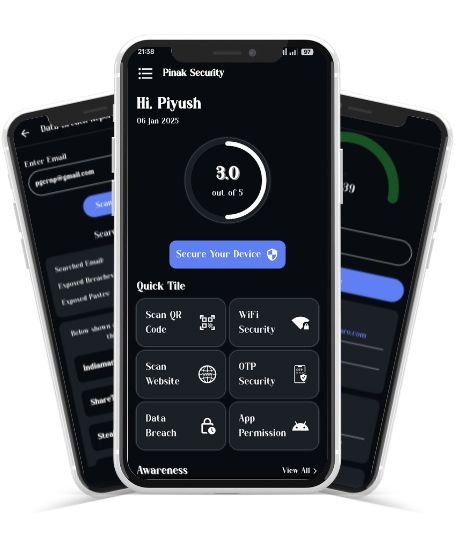

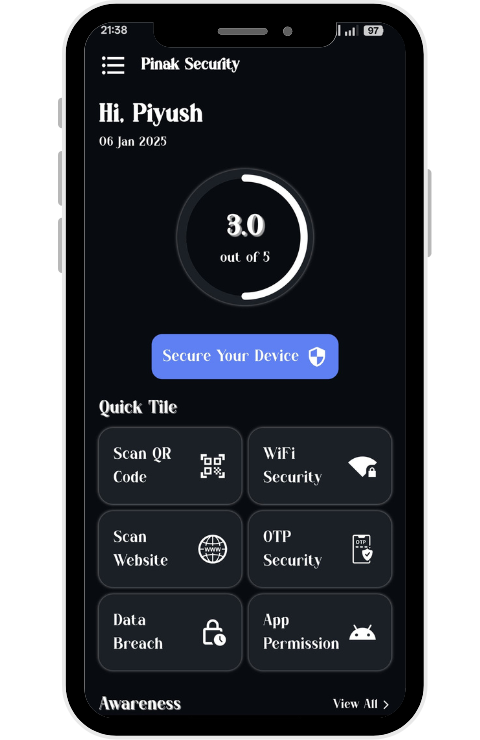
Step 1: Download the APK File
- Click on the Download APK button
- If you see a warning like “This file might be harmful” → tap Download anyway
- Wait for the download to finish
Step 2: Allow APK Installation
For Android 8.0 (Oreo) and newer:
- Open Settings
- Go to Security or Privacy
- Tap Install unknown apps
- Select the app you used to download the APK (Chrome, Files, etc.)
- Turn on Allow from this source
For older Android versions:
- Open Settings
- Go to Security
- Enable Unknown sources
- Confirm the warning
Step 3: Install the APK
- Open Files / My Files / File Manager
- Go to Downloads
- Tap the APK file you downloaded
- Tap Install
- Wait a few seconds until installation completes
- Tap Open or Done